Tradespeople: Choosing the Best Invoicing App in 2026
Choosing the right invoicing app is crucial for UK tradespeople looking to streamline their business operations in 2026. Gone are the days of manual invoicing and chasing payments. An efficient invoicing app can save you time, improve cash flow, and help you stay organised. This guide will walk you through the key features to consider and highlight some of the best options available.
Key Features to Look for in an Invoicing App for Tradespeople
When selecting an invoicing app, consider these essential features:
* Mobile Accessibility: As a tradesperson, you're often on the move. An app that allows you to create and send invoices from your smartphone or tablet is a must-have.
* Customisable Templates: Choose an app that lets you create professional-looking invoices with your company logo and branding.
* Payment Integration: Seamless integration with payment gateways like Stripe or PayPal makes it easy for customers to pay you online.
* Automated Reminders: Reduce late payments by setting up automated payment reminders.
* Reporting and Analytics: Track your income, expenses, and outstanding invoices with detailed reports.
* Expense Tracking: Some apps allow you to track expenses directly, making tax preparation easier.
* Cloud Storage: Ensure your data is securely stored in the cloud, accessible from anywhere.
* Integration with Job Management Software: Ideally, your invoicing app should integrate with your job management software for seamless workflow.

Top Invoicing Apps for UK Tradespeople in 2026
Here's a look at some of the top invoicing apps favoured by UK tradespeople:
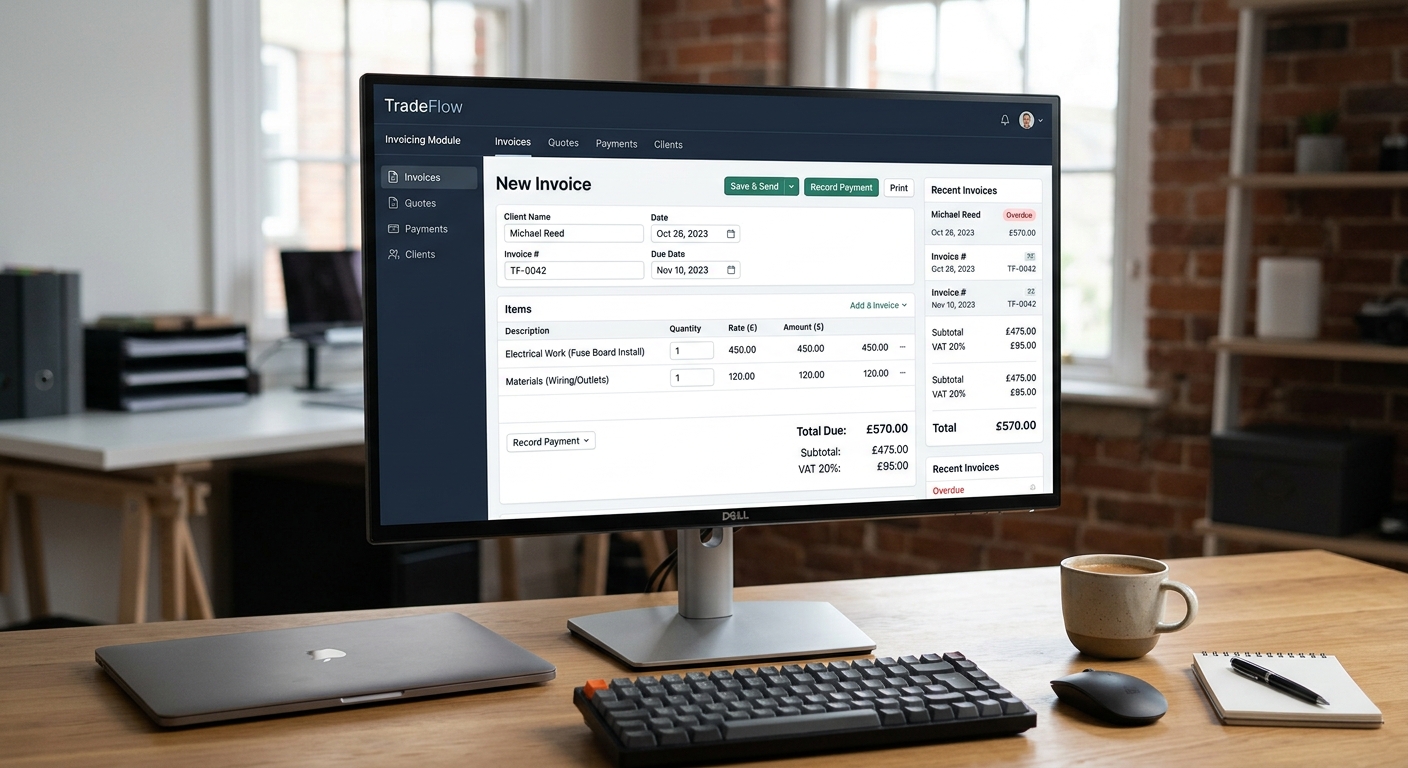
- TradeFlow: Offering a comprehensive suite of features, including invoicing, quoting, scheduling, and customer management, TradeFlow is an all-in-one solution designed specifically for trades businesses. Its invoicing features include customisable templates, automated payment reminders, and seamless integration with its AI phone answering and other modules.
- Xero: A popular accounting software with robust invoicing capabilities. Xero offers advanced reporting and integration with other business tools.
- QuickBooks Online: Another leading accounting software with a user-friendly interface and comprehensive invoicing features.
- FreshBooks: Designed specifically for freelancers and small businesses, FreshBooks offers simple and intuitive invoicing tools.
- Zoho Invoice: A free invoicing app with basic features, suitable for tradespeople who are just starting out.
Tip:
Before committing to a paid plan, take advantage of free trials offered by most invoicing apps to see which one best suits your needs.
Free vs. Paid Invoicing Apps: What's the Difference?
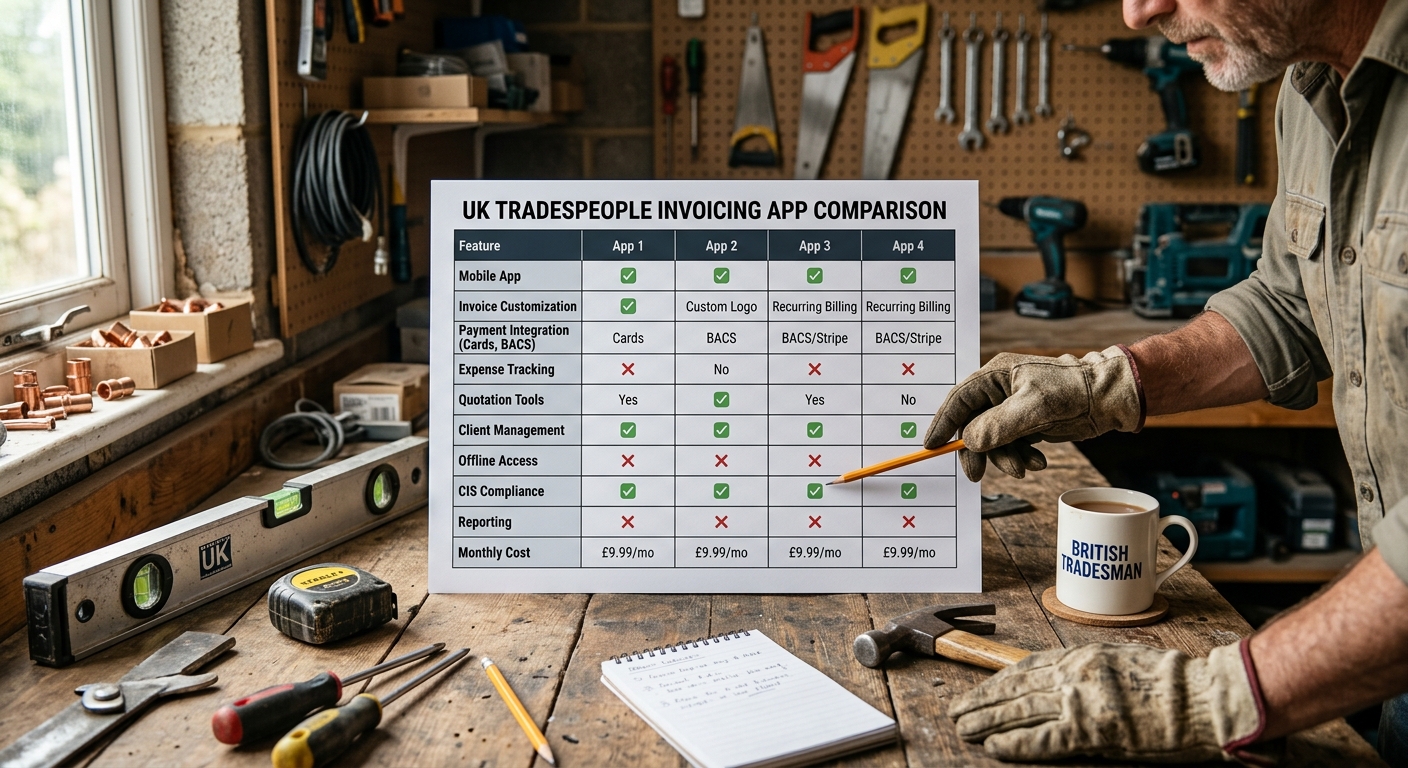
While free invoicing apps can be tempting, they often come with limitations. Paid apps typically offer more features, such as unlimited invoices, customisable templates, payment integration, and detailed reporting. Consider your business needs and budget when deciding between a free and paid app.
| Feature | Free Invoicing App | Paid Invoicing App | TradeFlow Example |
|---|---|---|---|
| Number of Invoices | Limited | Unlimited | Unlimited |
| Custom Templates | Basic | Advanced | Advanced + Branding |
| Payment Integration | Limited | Full | Stripe, GoCardless |
| Reporting | Basic | Detailed | Detailed + Custom |
| Support | Limited | Priority | Dedicated Support |
How to Set Up Your Invoicing App for Success
Follow these steps to set up your invoicing app and maximise its benefits:
- Create Your Account: Sign up for an account with your chosen invoicing app.
- Customise Your Templates: Add your company logo, contact information, and branding to create professional-looking invoices.
- Set Up Payment Integration: Connect your preferred payment gateway to allow customers to pay you online.
- Add Your Products and Services: Create a list of the products and services you offer, including prices and descriptions.
- Import Your Customer Data: Import your existing customer data into the app to save time and effort.
- Set Up Automated Reminders: Configure automated payment reminders to reduce late payments.
- Explore Reporting Features: Familiarise yourself with the app's reporting features to track your income and expenses.
Did you know?
On average, businesses using online invoicing apps get paid 2x faster than those using manual invoicing methods.
Integrating Invoicing with Other Business Processes
For optimal efficiency, integrate your invoicing app with other business processes, such as:
* Job Management: Connect your invoicing app with your job management software to automatically generate invoices from completed jobs.
* Accounting: Integrate your invoicing app with your accounting software to streamline your financial reporting.
* Customer Relationship Management (CRM): Link your invoicing app with your CRM system to track customer interactions and payment history.
Invoicing Best Practices for UK Tradespeople
* Invoice Promptly: Send invoices as soon as the job is completed.
* Be Clear and Concise: Provide a detailed description of the work performed and materials used.
* Include Payment Terms: Clearly state your payment terms, including due date and accepted payment methods.
* Follow Up on Late Payments: Don't hesitate to follow up on overdue invoices.
* Offer Multiple Payment Options: Make it easy for customers to pay you by offering various payment options, such as online payments, bank transfers, and cash.
* Maintain Accurate Records: Keep accurate records of all invoices and payments for tax purposes.
By choosing the right invoicing app and following best practices, UK tradespeople can streamline their finances, improve cash flow, and focus on growing their businesses. The right app will save you time, reduce administrative burden and ultimately contribute to a healthier bottom line.
TradeFlow offers a comprehensive suite of features, including invoicing, designed to help UK tradespeople manage their businesses more efficiently. Explore how TradeFlow can simplify your invoicing process and improve your overall workflow.