Tradespeople: Choosing the Best Accounting Software
Choosing the right accounting software is crucial for UK tradespeople to manage their finances effectively and efficiently. With the busy spring season in full swing, keeping track of income, expenses, and taxes can become overwhelming. This guide will help you navigate the options and select the best bookkeeping solution for your trade business.
Why Do Tradespeople Need Accounting Software?
Manually managing finances with spreadsheets or paper ledgers is time-consuming and prone to errors. Accounting software offers several advantages:
* Saves Time: Automates tasks like invoicing, bank reconciliation, and report generation.
* Reduces Errors: Minimises manual data entry, improving accuracy.
* Provides Real-Time Insights: Offers up-to-date information on your financial performance.
* Simplifies Tax Compliance: Helps you track income and expenses for accurate tax reporting.
* Improves Cash Flow Management: Gives you a clear picture of your cash position.
* Integration with job management software: Many options now integrate directly with your existing job management software, giving a complete overview.
Key Features to Look For in Accounting Software
When evaluating accounting software, consider the following features:
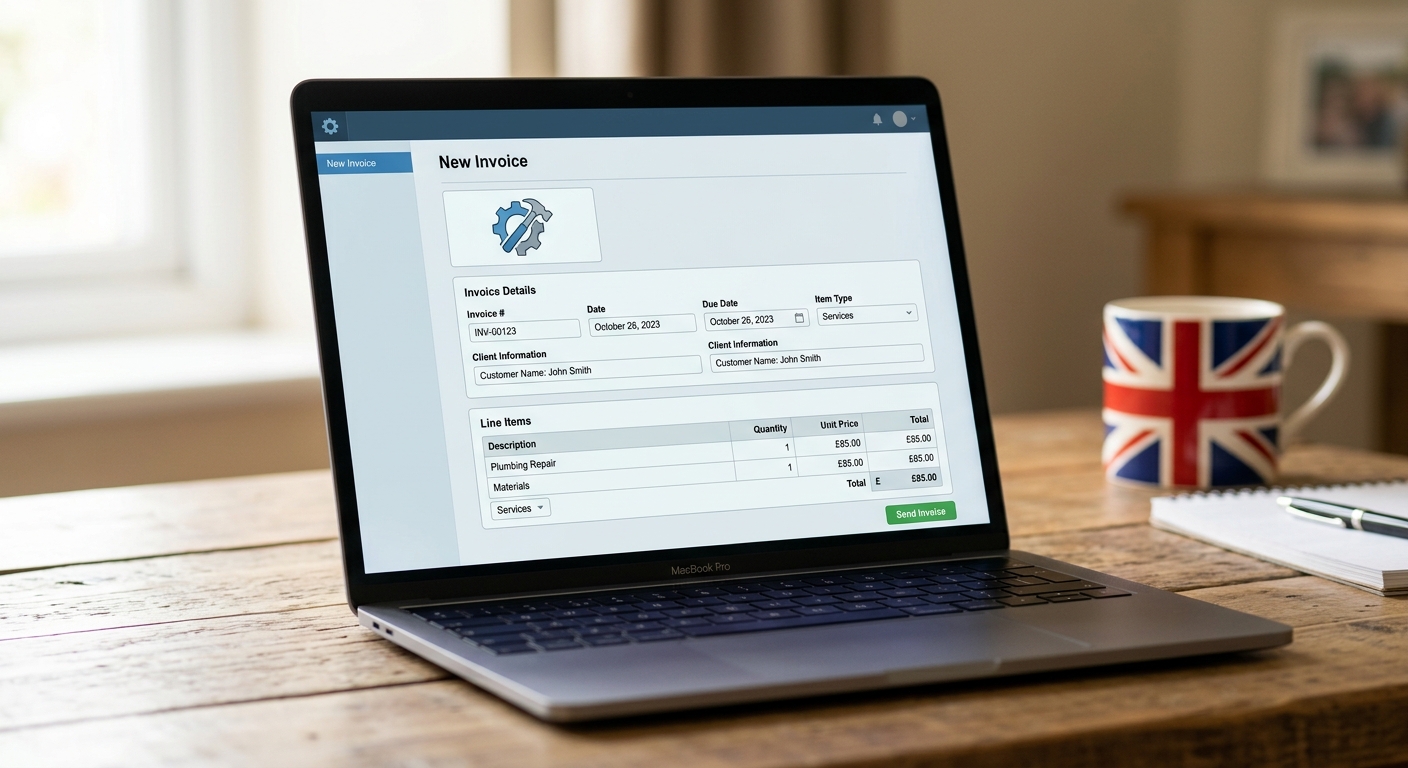
* Invoicing: Create and send professional invoices quickly and easily. Look for features like automated invoice reminders and online payment options. You can also integrate this with quote software for a seamless process.
* Expense Tracking: Record and categorise expenses to track spending and identify areas for cost savings. Look for features like receipt scanning and automatic bank feeds.
* Bank Reconciliation: Match your bank statements with your accounting records to ensure accuracy.
* Reporting: Generate financial reports like profit and loss statements, balance sheets, and cash flow statements to monitor your business performance.
* VAT Management: Calculate and track VAT liabilities to comply with HMRC regulations. Some software even offers automated VAT returns.
* Mobile Access: Access your accounting data from anywhere with a mobile app. This is especially important for tradespeople who are often on the go.
* Integration: Ensure the software integrates with other tools you use, such as your job management software.
* Multi-User Access: Allows multiple users (e.g., bookkeeper, accountant) to access the software simultaneously.
* Customer Support: Choose a provider with reliable customer support in case you encounter any issues.
Tip:
Look for a free trial or demo to test out the software before committing to a subscription. This will help you determine if it meets your specific needs.
Top Accounting Software Options for UK Tradespeople in 2026
Here are some popular accounting software options that cater to the needs of UK tradespeople:
- Xero: A cloud-based accounting platform with a wide range of features, including invoicing, expense tracking, bank reconciliation, and VAT management.
- QuickBooks Online: Another popular cloud-based option that offers similar features to Xero. QuickBooks also integrates with a wide range of third-party apps.
- Sage Business Cloud Accounting: A well-established accounting software provider with a focus on small businesses. Sage offers a range of plans to suit different needs.
- FreeAgent: Specifically designed for freelancers and small businesses, FreeAgent offers a user-friendly interface and simplified accounting processes. It also handles self-assessment tax returns.
- Zoho Books: A cost-effective accounting solution that offers a comprehensive set of features, including invoicing, expense tracking, and project management.
Choosing the Right Software for Your Business
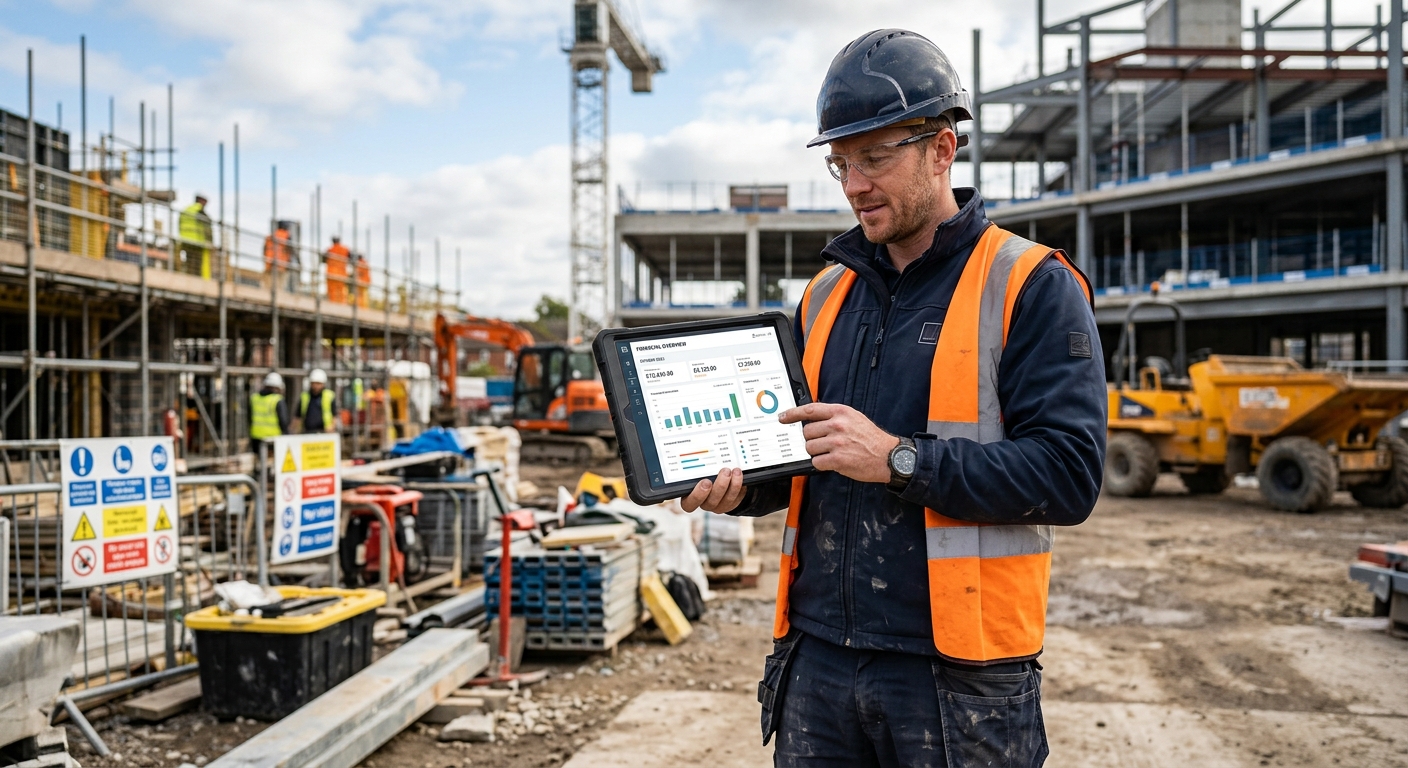
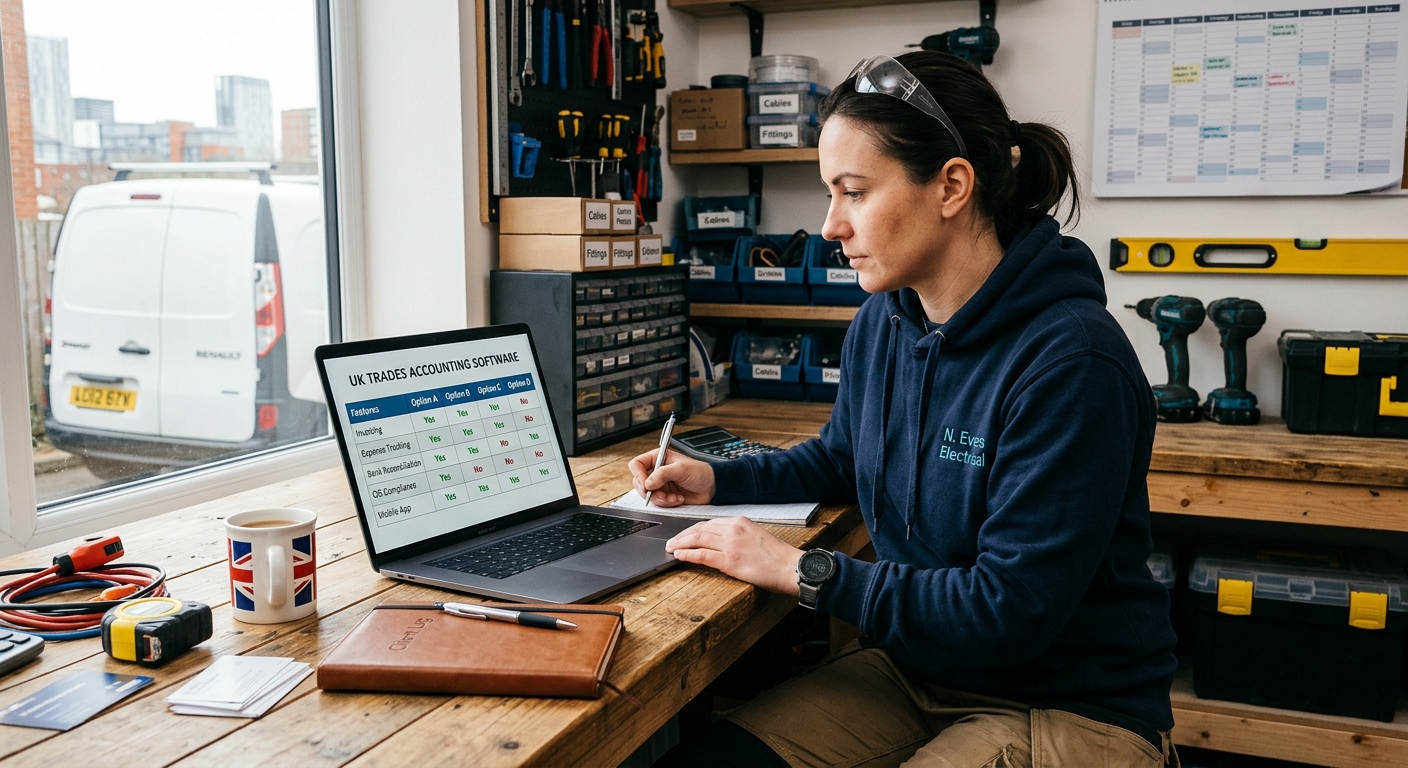
The best accounting software for your business will depend on your specific needs and budget. Consider the following factors when making your decision:
* Business Size: Choose a software plan that can accommodate your current and future business size.
* Budget: Compare the pricing of different software options and choose one that fits your budget.
* Features: Identify the features that are most important to your business and choose a software that offers them.
* Ease of Use: Opt for software that is easy to learn and use, even if you have limited accounting knowledge.
* Integration: Ensure the software integrates with other tools you use, such as your bank account and payment processor.
Did you know?
According to a recent survey, UK small businesses spend an average of 120 hours per year on bookkeeping tasks. Switching to accounting software can significantly reduce this time.
Setting Up Your Accounting Software
Once you've chosen your software, follow these steps to get started:
- Create an Account: Sign up for an account and choose a subscription plan.
- Connect Your Bank Accounts: Link your bank accounts to the software to automatically import transactions.
- Set Up Your Chart of Accounts: Define the categories you'll use to track income and expenses.
- Customise Your Invoices: Add your company logo and branding to your invoices.
- Import Existing Data: Import any existing financial data from spreadsheets or other sources.
- Explore the Features: Familiarise yourself with the software's features and learn how to use them.
Tips for Effective Accounting Software Use
Here are some tips to help you get the most out of your accounting software:
* Regularly Update Your Records: Keep your accounting records up-to-date by entering transactions regularly.
* Reconcile Your Bank Accounts: Reconcile your bank accounts monthly to ensure accuracy.
* Categorise Transactions Correctly: Assign each transaction to the correct category to generate accurate reports.
* Use Automation Features: Take advantage of automation features like automated invoice reminders and bank feeds to save time.
* Back Up Your Data: Regularly back up your accounting data to prevent data loss.
Choosing the right accounting software is a crucial investment for any UK tradesperson looking to streamline their finances and improve their business performance. By considering the features, pricing, and integration capabilities of different options, you can find a solution that meets your specific needs and helps you stay on top of your finances.
To further streamline your business operations, consider integrating your accounting software with TradeFlow's job management software. This will provide a seamless flow of information between your financial records and your job scheduling, invoicing, and customer management processes, saving you even more time and effort.