Tradespeople: Choosing the Best Scheduling App for 2026
Choosing the right scheduling app can be a game-changer for UK tradespeople. In 2026, with the increasing demands of customers and the need for efficient job management, a robust scheduling solution is no longer a luxury, but a necessity. This guide will help you navigate the options and select the best scheduling app to streamline your business.
Why Tradespeople Need a Scheduling App
Manually managing schedules with spreadsheets or paper calendars is inefficient and prone to errors. A dedicated scheduling app offers several key advantages:
* Reduced No-Shows: Automated reminders and confirmations minimise missed appointments.
* Improved Communication: Real-time updates and notifications keep everyone informed.
* Increased Efficiency: Optimised scheduling reduces travel time and idle time.
* Better Organisation: A central hub for all job information, appointments, and customer details.
* Enhanced Customer Satisfaction: Professional scheduling and communication enhance the customer experience.
Tip:
Look for scheduling apps that integrate with other tools you use, such as accounting software and job management software, to create a seamless workflow.
Key Features to Look for in a Scheduling App
When evaluating scheduling apps, consider these essential features:
- Calendar Integration: Seamlessly sync with your existing calendar (Google Calendar, Outlook, etc.).
- Mobile Accessibility: Access and manage your schedule from anywhere via a mobile app.
- Automated Reminders: Send automatic appointment reminders via SMS or email.
- Online Booking: Allow customers to book appointments online through your website or social media.
- Team Scheduling: Manage multiple team members and their availability.
- Job Notes & Attachments: Store important job details, photos, and documents within the schedule entry.
- Reporting & Analytics: Track key metrics like appointment completion rates and revenue generated.
- Integration with Invoicing: Automatically generate invoices based on scheduled appointments.
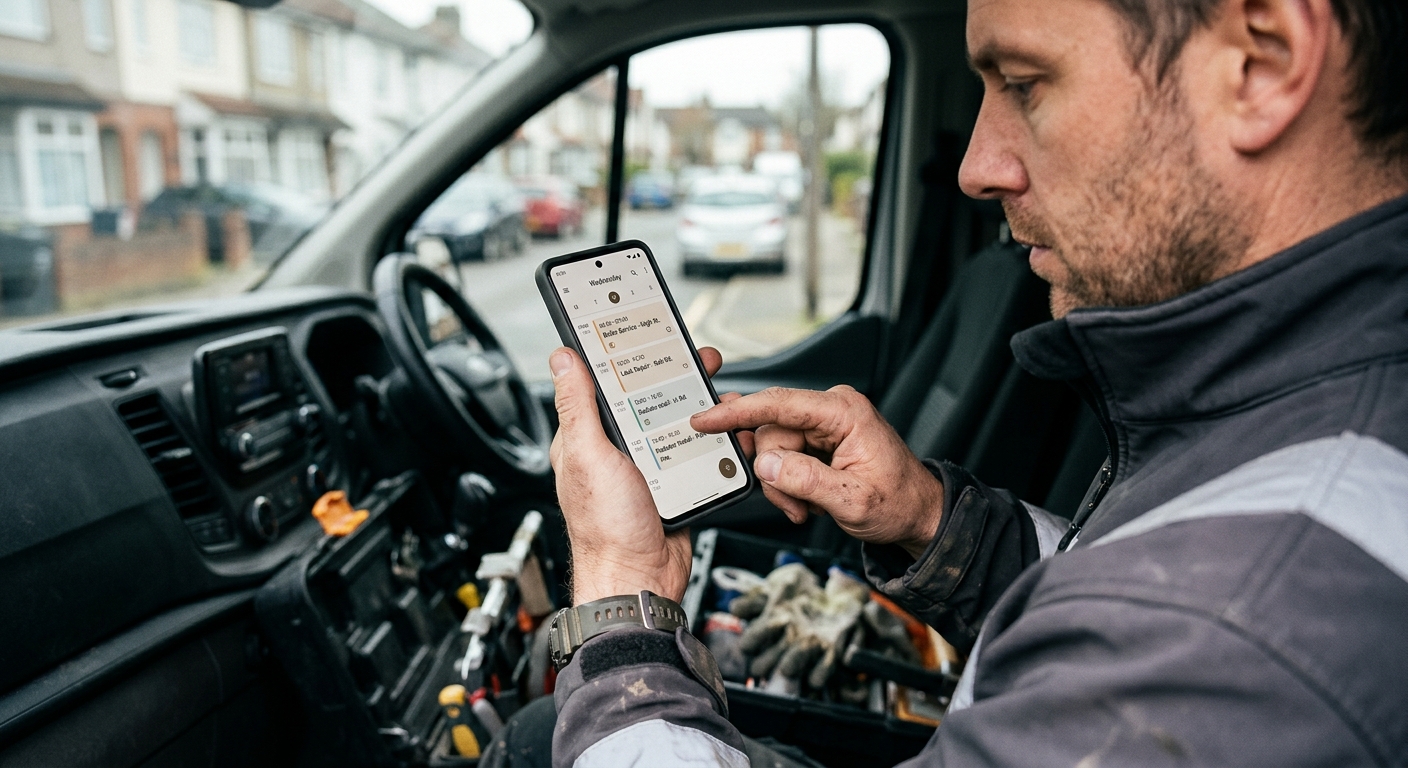
Top Scheduling Apps for UK Tradespeople in 2026
Here's a look at some of the top scheduling apps for UK tradespeople, considering their features, pricing, and suitability for different business sizes:
* TradeFlow: Offers comprehensive scheduling features integrated with other tools like invoicing, quoting, and AI phone answering. Ideal for businesses looking for an all-in-one solution.
* Google Calendar: A free and widely used option for basic scheduling. Suitable for sole traders with simple needs.
* Calendly: A popular scheduling tool for appointment booking. Offers integrations with other apps.
* Acuity Scheduling: A robust scheduling platform with advanced features like package scheduling and subscription management.
* Jobber: (Not mentioned above). Jobber is a strong contender with robust features similar to TradeFlow, focusing on end-to-end job management. Its scheduling capabilities are comprehensive and well-suited for larger teams.
Choosing the right option depends on your specific needs and budget. Consider starting with a free trial or demo to see which app best fits your workflow.
Did you know?
Studies show that businesses using scheduling apps experience a 20% reduction in no-shows and a 15% increase in revenue.
How to Implement a Scheduling App Successfully
Implementing a scheduling app requires careful planning and execution. Here's a step-by-step guide:
- Choose the Right App: Select an app that meets your specific needs and integrates with your existing tools.
- Set Up Your Account: Create an account and configure your settings, including your availability, service offerings, and pricing.
- Import Your Data: Import your existing customer data and appointment information into the app.
- Train Your Team: Provide training to your team on how to use the app effectively.
- Communicate with Customers: Inform your customers about the new scheduling system and how it will benefit them.
- Monitor and Adjust: Track your scheduling metrics and make adjustments as needed to optimise your workflow.

Optimising Your Website for Online Booking
Make it easy for customers to book appointments online by optimising your website. Here are some tips:
* Add a Booking Button: Place a prominent "Book Now" button on your homepage and service pages.
* Embed a Scheduling Widget: Embed a scheduling widget directly into your website to allow customers to book appointments without leaving your site.
* Mobile-Friendly Design: Ensure your website is mobile-friendly so customers can book appointments easily on their smartphones. If you don't have a website, consider a professional website with online booking integrated.
* Clear Call to Action: Use clear and concise call-to-action language to encourage customers to book appointments.
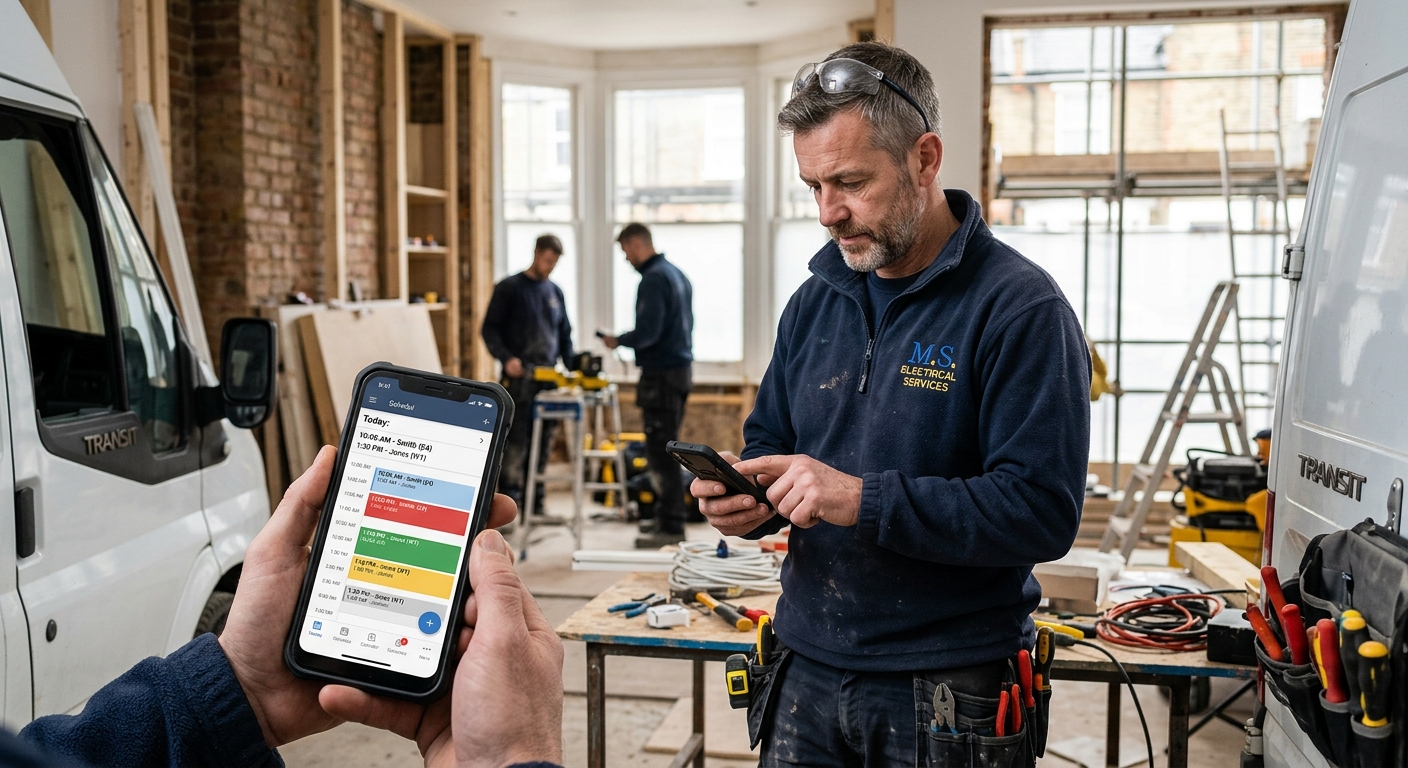
Integrating Social Media for Scheduling
Leverage your social media channels to drive online bookings:
* Add a Booking Link: Include a booking link in your social media profiles and posts. Consider using social media management tools for scheduling posts.
* Run Promotions: Offer discounts and promotions to customers who book appointments through social media.
* Engage with Followers: Respond to questions and comments promptly to build trust and encourage bookings.
Conclusion
Choosing the right scheduling app is an investment in the efficiency and profitability of your trades business. By carefully evaluating your needs and considering the features and benefits of different apps, you can find a solution that streamlines your workflow, reduces no-shows, and enhances customer satisfaction. A well-implemented scheduling app will save you time and money, allowing you to focus on what you do best: providing quality services to your customers.
Ready to take control of your schedule? Explore how TradeFlow's integrated scheduling features can transform your business. Visit our website to learn more and start your free trial today.